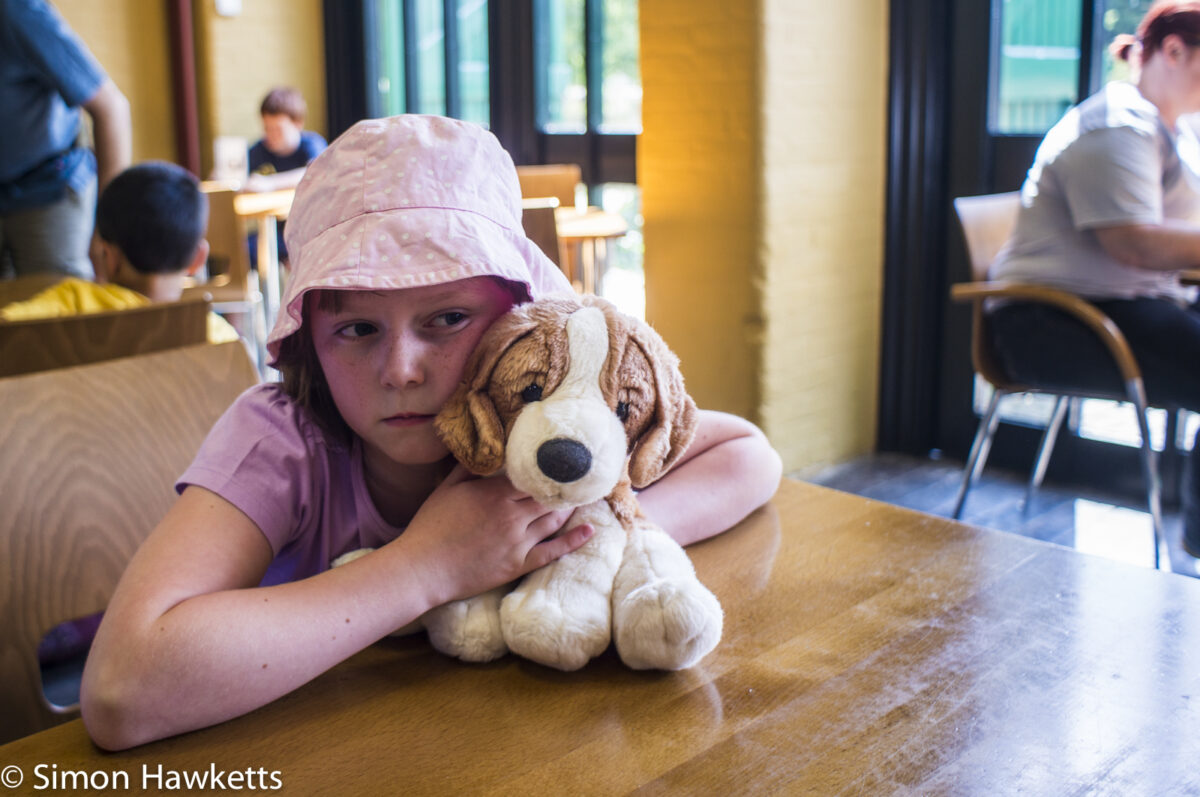
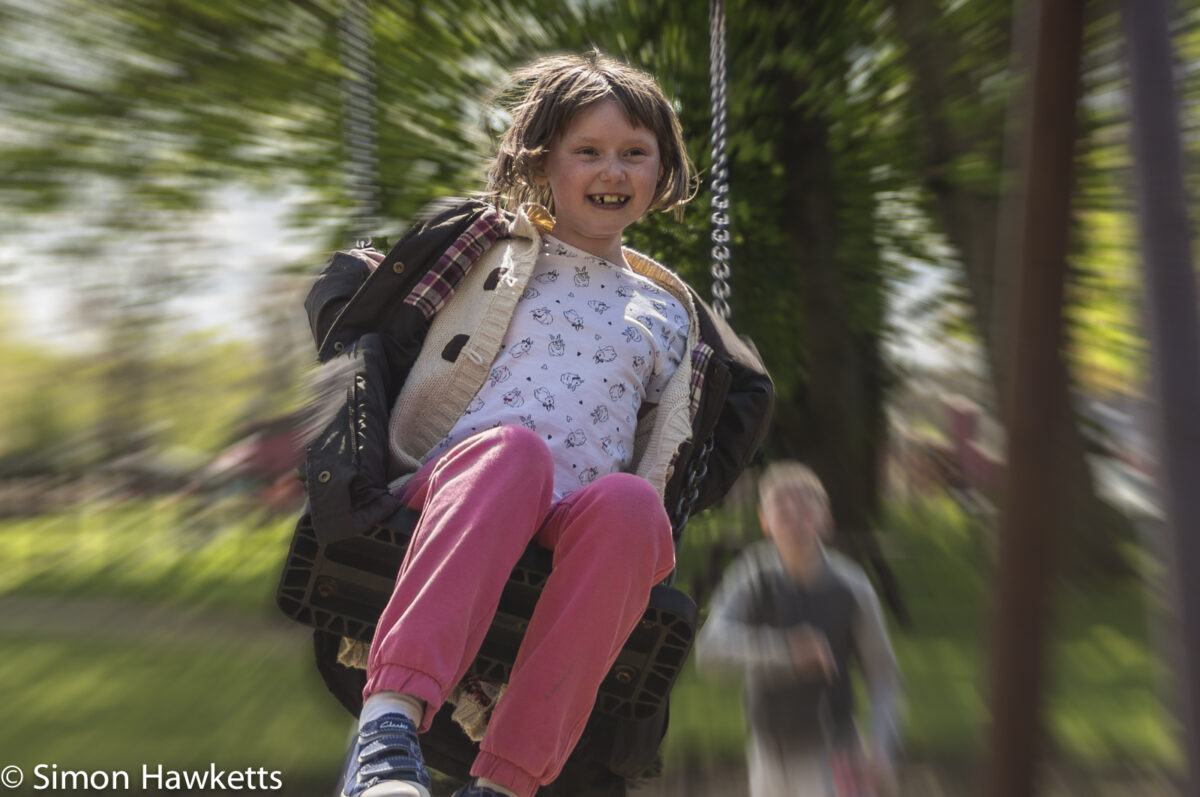
I've been playing with photoshop quite a lot lately because I've been scanning a lot of photos which my Dad took in the 1950s to 1970's and cleaning them up and in some cases adding some colour. During my experiments and after watching some videos as part of the learning process, I've been trying out some filters and I made some changes I like to this picture of my Daughter which I originally took last year.
Although I don't normally like lots of 'messing about' of pictures in photoshop, I like this filter effect which I got quite simply by selecting my Daughter and her toy, inverting the selection and then applying the radial blur filter to the selection. The filter effect is a simulation of zooming a lens during an exposure and is the sort of effect that would be quite difficult to do outside photoshop. I'd be interested in peoples opinion - do you like this sort of effect or do you think it looks too 'over processed'?
The original picture was taken with a soligor C/D 28mm f/2.8 K mount lens fitted to my Sony Nex 6.

Comments (7)
Comments (1)